
Microsoft Access modernization

Modernize your Access application without losing what makes it work

Tevpro helps teams map the workflows, rules, data, and integrations inside business-critical Microsoft Access applications. We assess what to stabilize, what to move, and what to rebuild, then plan the work around the people who rely on it.

DISCUSS YOUR ACCESS APPLICATION

Why discovery matters

Your Access app is more than its tables

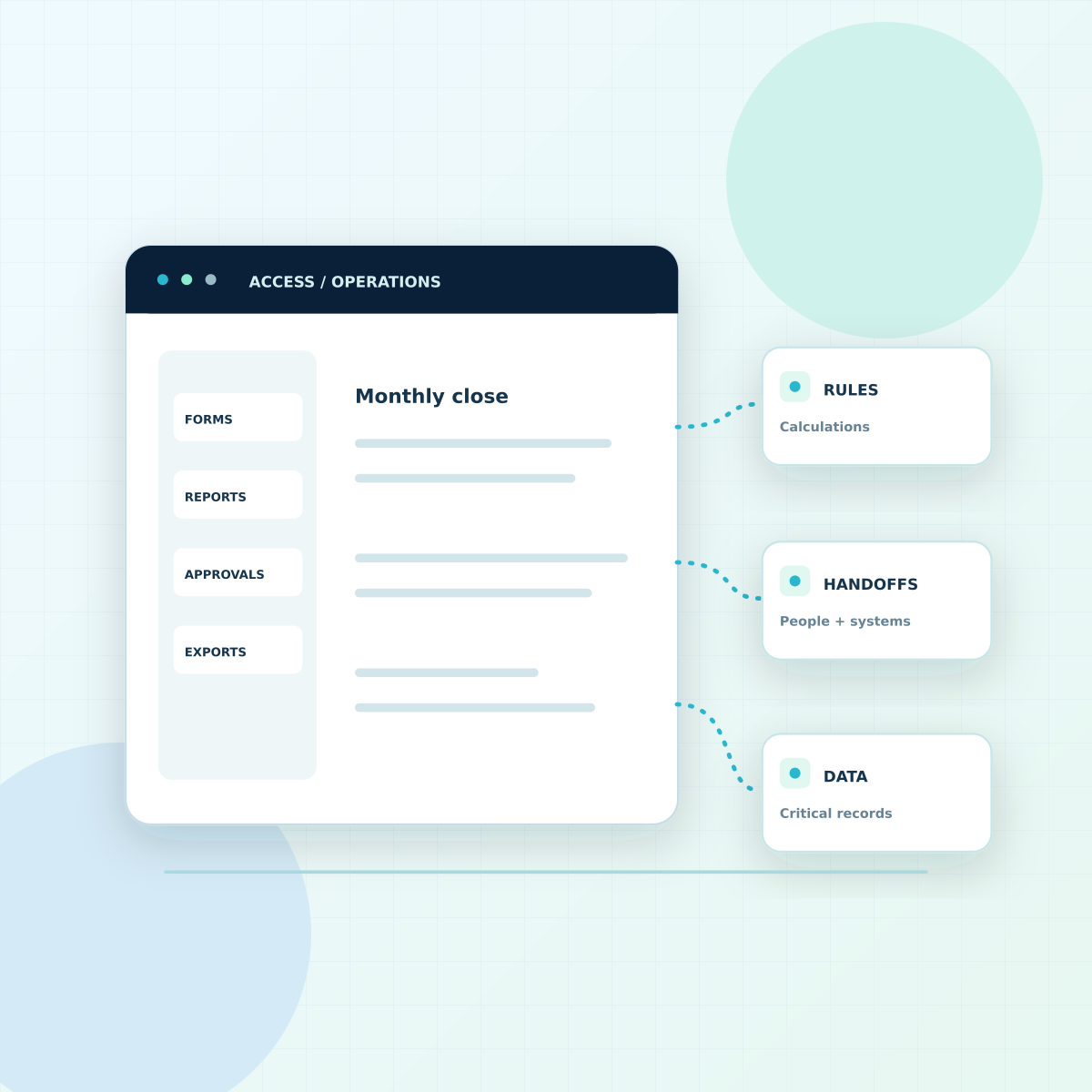
Forms, VBA, macros, queries, reports, and manual handoffs often carry rules that are not documented elsewhere. We inspect the application with the people who use it and identify the processes a replacement must preserve. The result is a scoped decision, not an automatic rewrite.

See what an Access audit should cover
Square composition of an Access app connected to business rules, handoffs, and critical data

Choose the right scope

Stabilize, bridge, or replace

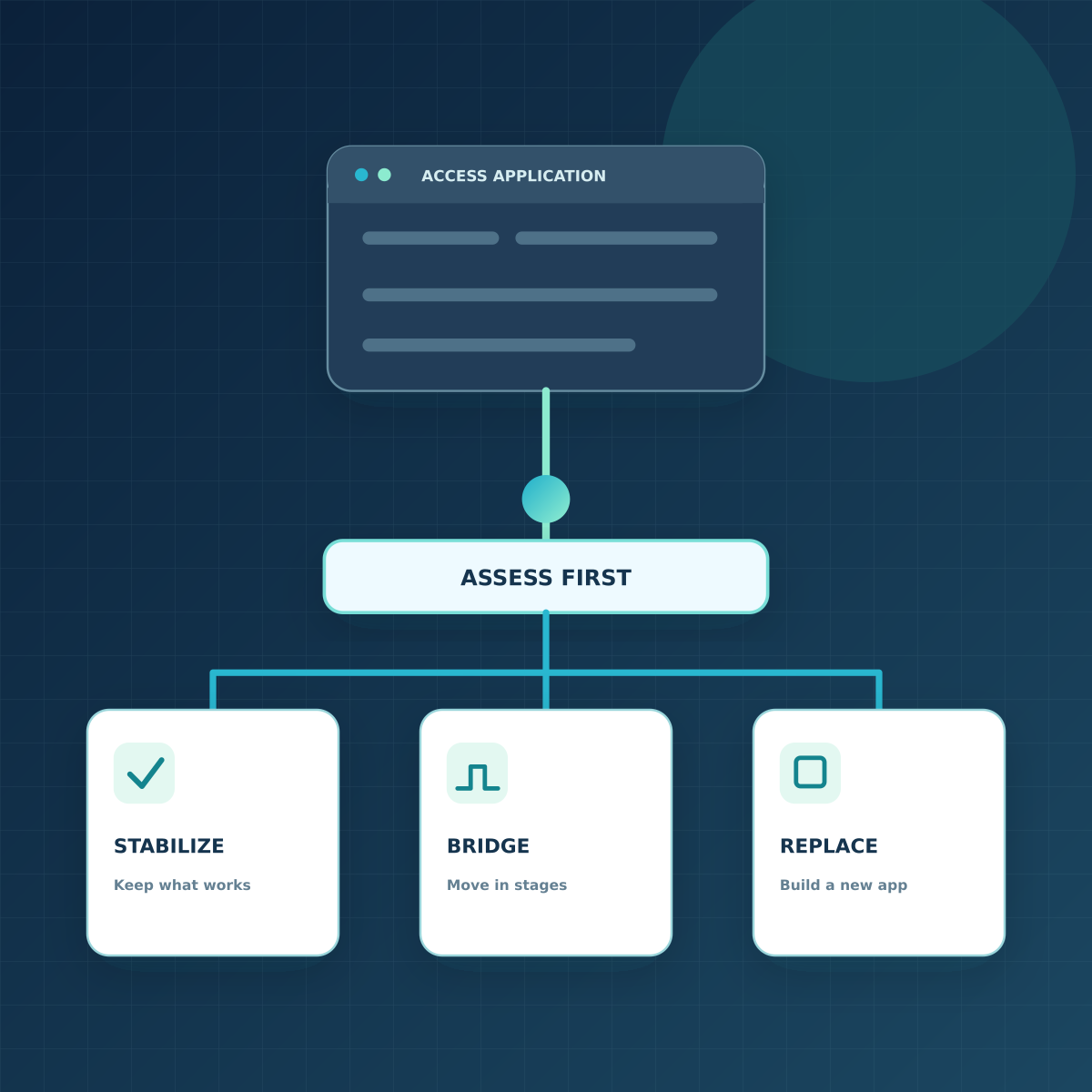
Some teams can keep familiar Access screens while moving the data layer and validating existing workflows. Others need a new web application, updated permissions, and redesigned integrations. We compare the options against risk, maintenance needs, user workflows, and the effort to prove that the new system behaves correctly.

Read the bridge-before-rewrite approach
Centered diagram of an Access application assessed before three aligned options: stabilize, bridge, or replace

Relevant work

Access experience and related modernization work

View all case studies
Read case study
Legacy system migration to the cloud case study image
Legacy Software ModernizationData Solutions

Modernizing a decades-old Microsoft Access database and banking application

Tevpro rebuilt a decades-old Access banking application as a web app, tracing financial calculations and period-end controls before replacing its interface and database.

Read case study
Medical Company Legacy Modernization Microsoft Azure Cloud case study image
Legacy Software ModernizationData Solutions

Stabilizing a legacy system before an Azure migration

A separate, non-Access project: Tevpro protected an occupational-health company’s legacy application sessions while planning its move to Azure.

Read case study
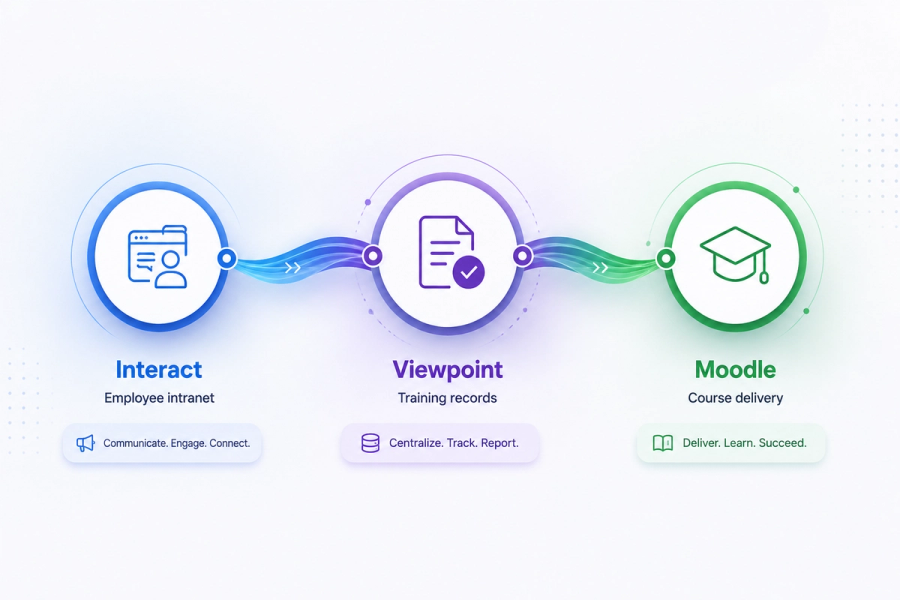
Integration diagram showing Interact (employee intranet), Viewpoint (training records), and Moodle (course delivery) connected in a workflow.
API + Systems IntegrationsLegacy Software Modernization

Connecting existing systems instead of replacing them

A separate, non-Access project: Tevpro connected an intranet, ERP, and LMS while preserving each system’s role in the workflow.

AI-assisted modernization

Where AI can reduce the manual work

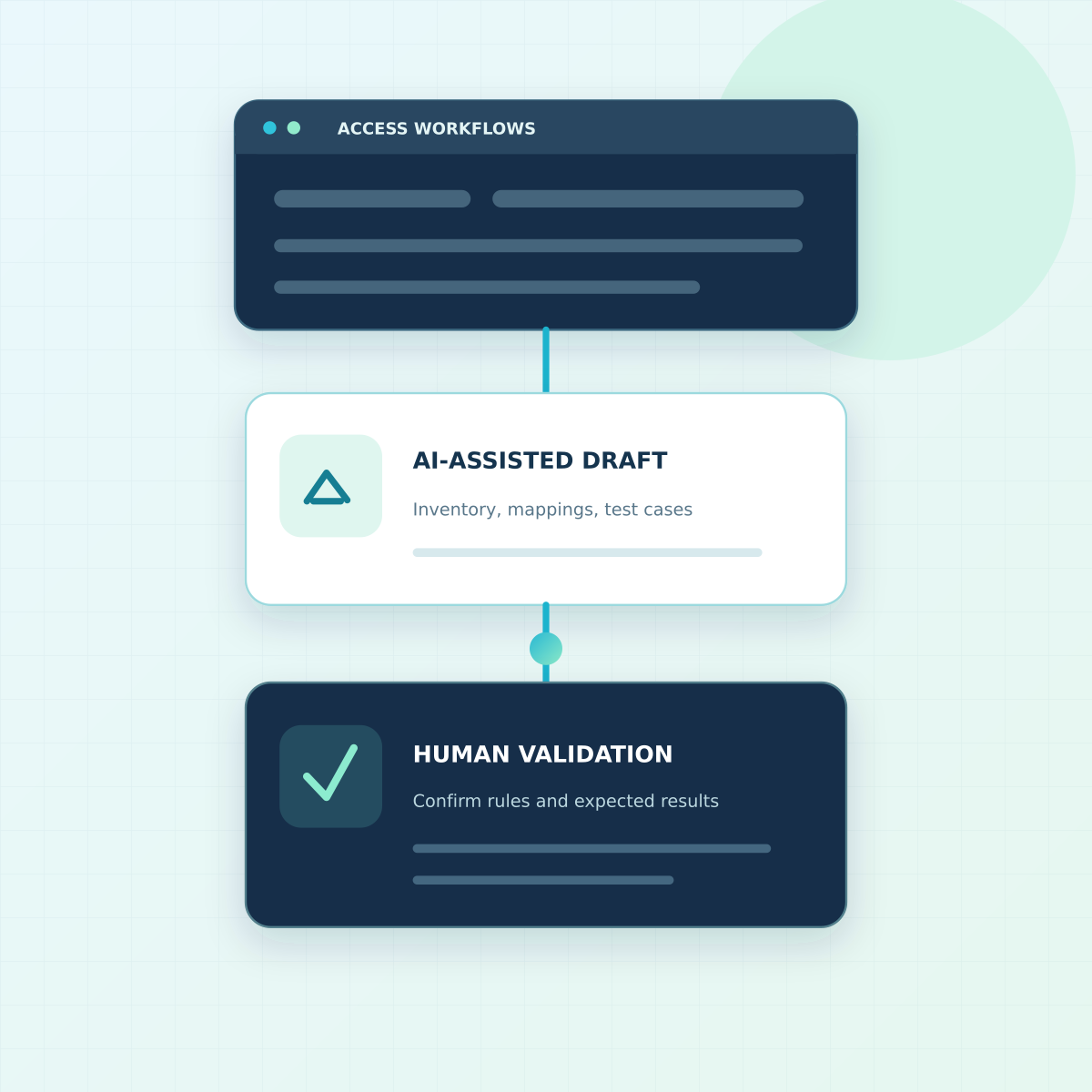
AI can help organize user walkthroughs into draft workflow tests, surface patterns in queries and code, and prepare candidate mappings or test cases. That can reduce time spent transcribing and structuring discovery, but the output still needs review by engineers and the people who run the application. We validate business rules and expected results before relying on a test or migration plan. Whether this lowers the total project cost depends on the application, the quality of its documentation, and what the review uncovers; we do not price a project by assuming an AI shortcut.

See our Access workflow-testing approach
AI-assisted draft of Access workflow tests followed by human validation of business rules and expected results

The first engagement

Get a plan before you commit to a rebuild

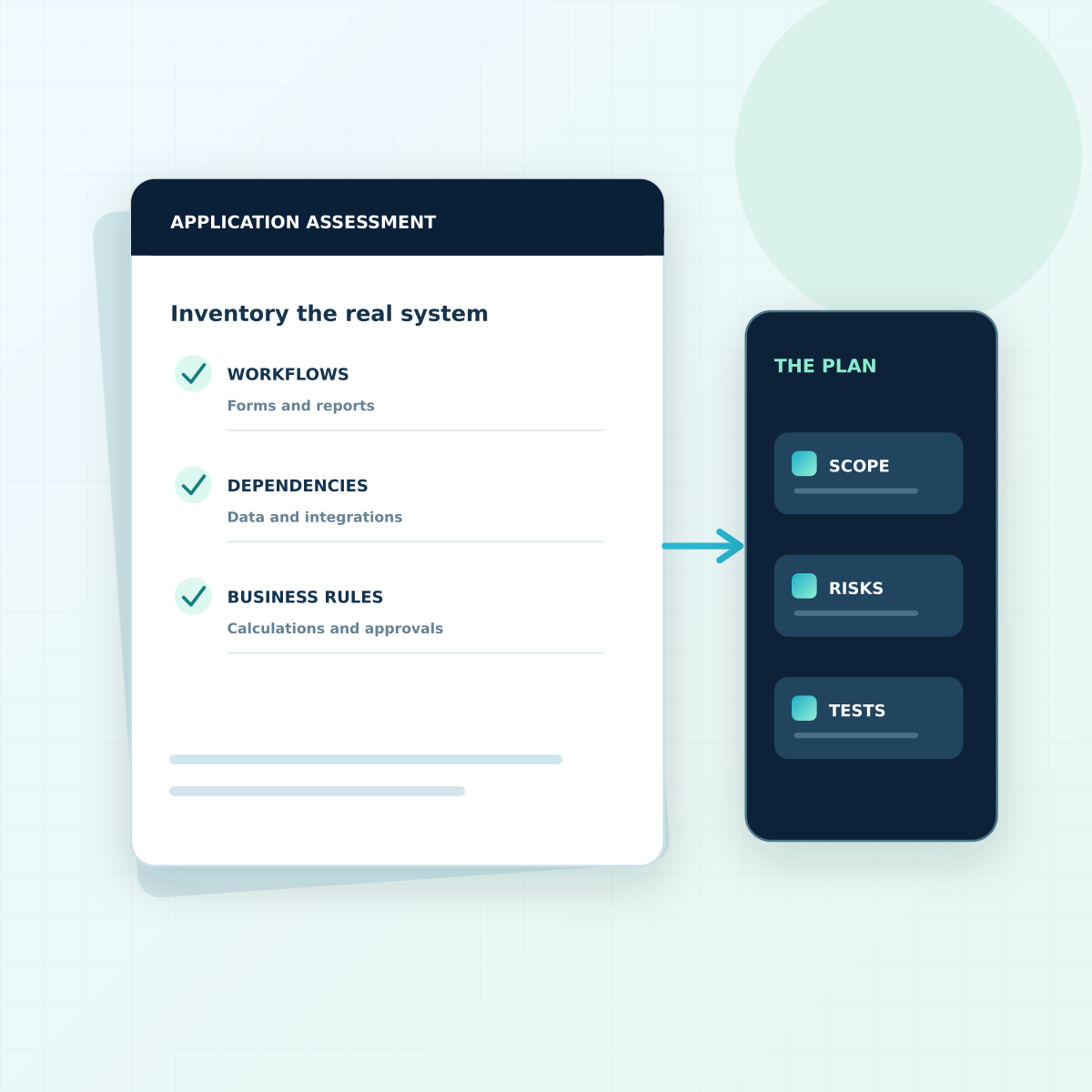
An initial assessment can inventory users, workflows, business rules, data quality, reports, integrations, and operating constraints. From that evidence, we recommend a practical scope, identify the highest-risk unknowns, and define how the critical work will be tested. Delivery estimates follow the assessment, not a table count.

Understand the cost drivers
Square illustration of an Access assessment feeding a plan for scope, risk, and tests

Tell us about your Access application

What does it do today, and what needs to change? Share the critical workflows, current pain points, and any timing constraints. We will follow up to discuss a sensible first step.

We’ll only use this to follow up on your request.

Common questions

Microsoft Access modernization FAQs

Not always. If the current workflows still serve the business, a staged approach may retain the frontend while the data layer changes. We assess the application before recommending a bridge or full replacement.